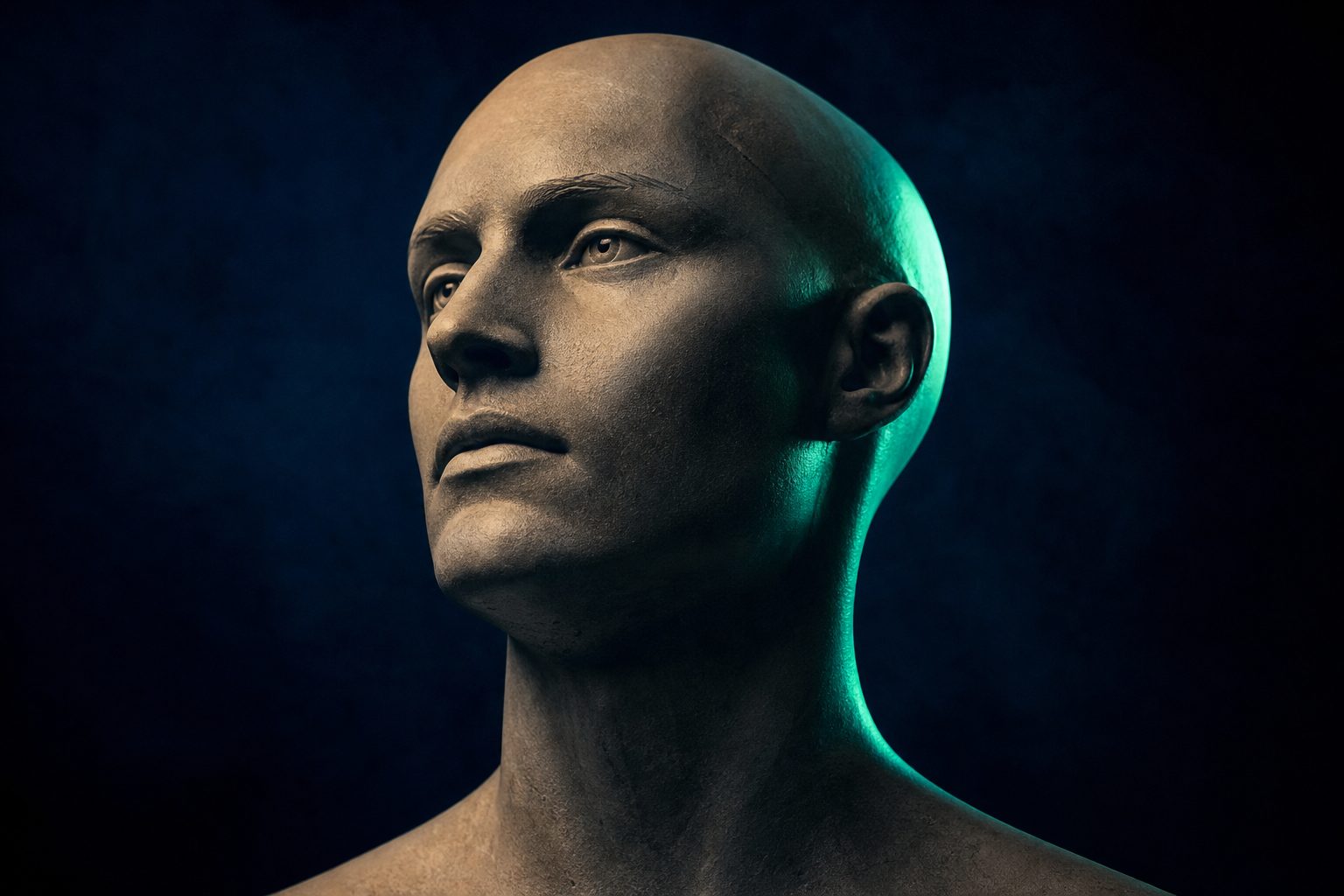
"Making a photo talk" means taking a still portrait and a speech track and producing a video where the person appears to be speaking — lips moving, head and expression following the words. It's how you turn a single headshot into a presenter without a camera, a studio, or the person being available. There are two distinct paths to get there, and choosing the right one depends entirely on what you're starting from.
Two paths
- Animate a still portrait. You have a photo and an audio clip, and you want a talking avatar built from scratch. This is the make a photo talk path, powered by OmniHuman. It animates the still into an expressive talking head with natural gesture and head motion driven by the audio.
- Re-sync existing footage. You already have a video of someone talking and want to change what they say — a new script, or a different language. That's a lip-sync job (Video Lip Sync), which aligns the mouth in real footage to a new audio track. Use this when your starting point is video, not a photo.
If you're starting from a single image, you want the first path. If you're starting from a clip, you want the second.
What you need
For the animate-a-portrait path, you need two things:
- A portrait. A clear, front-facing photo of one person works best — the face should be unobstructed and well lit.
- A real speech track. This is the part people get wrong. The audio should be a genuine human-recorded voice. Synthetic or text-to-speech audio can be rejected by content moderation, so plan to record a real person reading the script rather than feeding in a generated voice. A clean recording on a phone is fine; what matters is that it's a real voice.
Honest expectations help here: the model animates the face to match the speech, but it can't invent a voice you didn't supply. Bring the audio, and bring it from a real recording.
The API call
The request follows the same job lifecycle as the rest of the platform. Send a generation job with the avatar model and your inputs:
- Create the job.
POST /api/ai/jobswithmodel_id: "omnihuman-1-5", animage_urlsarray pointing at your portrait, and anaudio_urlsarray pointing at your speech track. - Poll for the result. Call
GET /api/ai/jobs/{id}until it reports done, then read the output URL — that's your talking avatar video.
Because the lifecycle is shared across the catalog, the same poll loop you use for any other model works here unchanged.
Use cases
- Presenters. Turn a brand headshot into a spokesperson for product explainers or onboarding videos, without booking a shoot every time the script changes.
- Localized spokespeople. Record the same script in several languages and generate a matching talking avatar for each market.
- UGC-style content. Produce talking-head clips at volume for ads or social, varying the face and the script programmatically.
The pattern scales because everything is API-driven: feed in different portraits and audio tracks, get back different presenters, all through the same call.
Going further
Once you have a talking avatar, you may want it in more than one language. You can dub the result by re-syncing the generated clip to translated audio, so a single recording session becomes a multilingual library. Start with the make a photo talk landing to see the workflow end to end, and read the request contract in the AI API docs to integrate it.
The basic photo-to-speech workflow
To make a photo talk, upload a clear portrait, add a script or voice recording, choose a voice, and generate the video. The tool animates the face to match the audio. A front-facing photo with a visible mouth usually gives you the cleanest result.
You do not turn the picture itself into text-to-speech. You write or extract a script, convert that text into audio, and use the audio to animate the image. For more control over the voice, timing, and visual model, use a photo-to-talking-avatar workflow.
Start with one short sentence. Check the mouth, eyes, teeth, and head movement before generating a longer clip. This catches most bad source images without wasting credits.
Free tools, limits, and sign-up requirements
You can make pictures talk for free when a service offers trial credits or a limited free tier. Free access may restrict clip length, resolution, voice choice, downloads, or commercial use. Some tools add a watermark.
Free, unlimited, no-sign-up, and no-watermark rarely come together. An AI talking avatar free unlimited offer may still use queues, daily limits, reduced output quality, or account checks. Read the current export and usage terms before uploading a private photo.
If a site claims you can make a photo talk free online with no sign-up, test it with a non-sensitive image first. Avoid uploading identity documents, client photos, or pictures of children until you understand how the service stores and reuses uploads.
Choosing a talking photo tool
| Need | Feature to check |
| Fast talking picture | Single-photo upload, built-in AI voice, and direct video export |
| Your own voice | Audio upload or in-browser recording |
| Natural lip sync | Preview quality around teeth, pauses, and side angles |
| Hand expressions | Full-body or gesture animation, not face-only lip sync |
| Repeatable production | API access, reusable settings, and predictable output files |
| No watermark | Export terms for the plan you actually use |
The best app for making photos talk is the one that fits your output. A quick joke needs a different tool from a reusable presenter or an automated video pipeline. Compare the source-photo requirements, voice controls, gesture support, privacy terms, watermark, and export format.
An AI image talking generator normally charges per generation, credit, operation, or rendered video duration. Rates and free limits change. Check the current pricing page instead of assuming that an old Phototalk review or tutorial still applies.
iPhone, Android, and browser workflows
On iPhone or Android, you can use a dedicated app or open an online talking photo maker in your browser. Give it access only to the photo you want to use. Add text or recorded audio, preview the animation, then save the exported video.
A browser tool is useful when you do not want another app. An app may be easier for recording audio and saving the result to your camera roll. Menus, permissions, free limits, and login requirements can change with each release.
If you want to create clips automatically instead of tapping through an app, connect the image, script, voice, and output steps through an AI video API workflow.
Talking avatars with voices and gestures
Yes, you can create an AI avatar using a photo. The simplest version animates the face and lips. More advanced models can add head movement, posture, or hand expressions, but a face-only talking photo model cannot invent reliable hand motion outside the frame.
For hand expression AI, start with an image that includes the upper body and hands. Choose a model that explicitly supports gesture or body animation. If gestures need to match exact words, use a driving video or timeline controls rather than a single image and text prompt.
You can type a script for an AI voice or upload your own recording. Your own audio usually gives you more control over pronunciation, emphasis, and pauses. If the speaker must use another language, see the AI video dubbing workflow.
Named tools and current feature checks
Magic Hour, Vidnoz, Toki AI, and Vozo are names you may see in talking-photo searches. Their available models, free credits, login rules, watermarks, and export settings can change. Check the current product screen and terms before choosing one for regular work.
Phototalk can refer to an app, a product name, or people discussing photography. Look at the developer name, supported platform, recent reviews, permissions, and update date before downloading anything called Phototalk or Pictures Talk.
Do not judge a tool from one perfect demo. Test the same short script with your own portrait, then inspect lip timing, blinking, teeth, image sharpness, and the exported audio. You can compare broader generation options on the AI video model overview.
Talking videos and voice-recording photo frames
A talking photo is a generated video in which a still image appears to speak. A talking picture can also mean a physical photo frame or album that plays a recorded message. These are different products.
A recordable photo frame or photo album with a voice recorder stores a real audio message behind a printed picture. It does not animate the face. Check recording length, playback controls, battery type, replacement options, and whether a recording survives a battery change.
“Photo chat” is not one fixed feature. It may mean sharing photos in a chat, discussing a picture with an AI assistant, or a product name. Check the surrounding app or service before assuming it creates talking videos.
Questions people ask
How can I make my pictures talk for free?
Use a talking-photo tool with trial credits or a free tier. Upload a clear portrait, add a short script or audio clip, and export the result. Check the current watermark, download, and usage limits first.
Is Talking Photo AI free?
Some talking photo AI tools offer limited free generations. Others require credits or a paid plan before you can export. Pricing and free allowances change, so check the current plan details.
How do I make a photo talk on iPhone or Android?
Use a mobile app or a browser-based generator. Select a photo, type the words or record your voice, generate the animation, and save the video. App permissions and menu names can move between releases.
Can I create a talking avatar from one photo?
Yes. A talking-avatar model can animate the face and synchronize the lips with speech. Use a sharp, front-facing portrait and test a short line before generating the full video.
How do I add an AI voice to a photo?
Type your script into a tool with text-to-speech, choose a voice, and use the resulting audio to drive the facial animation. You can also upload your own voice recording when the tool supports it.
Can a talking photo include hand expressions?
Only if the selected model supports body or gesture animation. Use a photo that shows the upper body and hands. Face-only lip-sync tools cannot create dependable hand expressions.
Can I make an image talk online without signing up?
Some browser tools may allow a preview without an account, but exporting can still require a login. Test with a non-sensitive image and check the privacy and deletion terms before uploading personal photos.
Is there a talking photo AI that is free and unlimited?
Treat that claim carefully. A service may apply queues, daily caps, watermarks, reduced quality, or fair-use limits even when it says unlimited. Verify the current export rules and commercial-use terms.
What is the best app for making photos talk?
There is no single best app for every job. Compare lip sync, voice upload, AI voices, gesture support, privacy, watermark rules, export quality, and API access against the video you need to make.
How do Magic Hour, Vidnoz, Toki AI, and Vozo compare?
All may appear in searches for AI talking photos, but their models, free access, login rules, and export options can change. Run the same portrait and script through your shortlist and compare the downloaded files.
What is a Phototalk app?
Phototalk is used by more than one app, service, or discussion format. Check the developer, platform, permissions, update history, and recent Phototalk reviews before installing or paying.
What is a talking picture or picture talk?
It usually means a still image animated to appear as if it is speaking. In other contexts, “picture talk” can mean discussing a photo or playing recorded audio beside a printed picture.
Can I turn a picture into text-to-speech?
Not directly. You first need text, either written by you or extracted from the image, and a text-to-speech tool converts that text into audio. A talking-photo model then uses the audio to animate the picture.
Do talking photo generators have a fixed price?
There is no fixed rate across tools. Cost can depend on each generation, operation, rendered minute, subscription allowance, or credit pack. Rates change, so use the provider’s current pricing and export terms.
Build your first automated video
One API key for deterministic JSON-to-video plus AI video & image generation. Documented and ready for your pipeline.