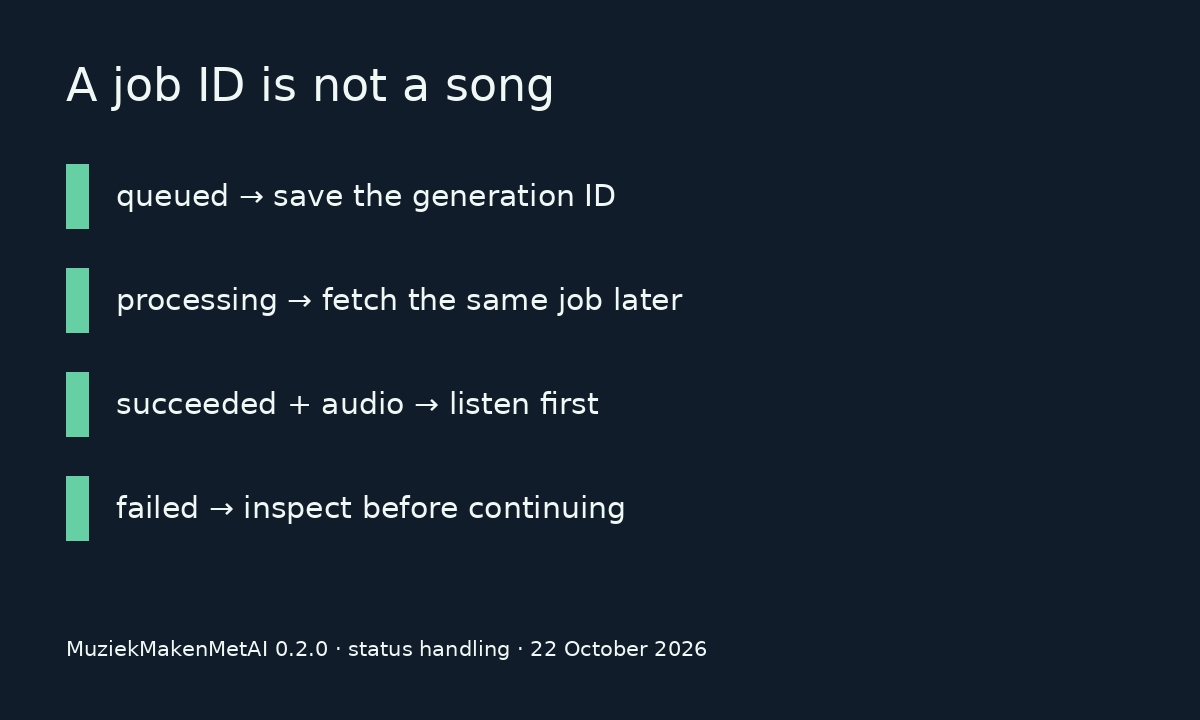
The MuziekMakenMetAI node can wait six minutes and still return a job that is processing. If your next node expects an MP3, a successful API request is not enough. Check the generation status and its audio URL before handing anything to a video render.
The verified Muziek maken met AI community node is available in n8n Cloud and self-hosted n8n. It starts songs, retrieves generations and reads your credit balance. The published package also includes a trigger, but the Cloud-listed 0.2.0 trigger has a header-name defect; use Create/Get for now. This example concentrates on the boundary between a music job and a usable audio file.
Try the music result before connecting a renderer
Edit this response and run the check. The browser makes no API request and spends no music credits. The example URL is deliberately invalid; the check validates the routing condition, not whether an audio file exists.
Try processing, failed, or succeeded with "tracks":[{"audio_url":"https://example.invalid/audio.mp3"}].
Install the node and test the account first
- On the n8n canvas, open + and search for Muziek maken met AI. An owner or admin installs it from More from the community.
- Create an API key in the MuziekMakenMetAI developer portal. Store it in the Muziek Maken Met AI API credential, not in exported workflow JSON.
- Run Account → Get. Then use Song → Create when you are ready to spend one generation credit. For generating and retrieving songs, use the
music:generateandmusic:readscopes.
If the node is absent, ask the instance admin to check Verified community nodes. Self-hosted installations can also install n8n-nodes-muziekmakenmetai in Settings → Community nodes. For the Dutch installation steps, use AI muziek automatiseren met n8n.
Keep the generation ID when the wait ends
Wait for Completion, under Additional Fields, polls every ten seconds for up to six minutes. A job still processing at that point is returned with its latest status. Save its id and retrieve it later with Song → Get. Running Create again starts another generation and consumes another credit.
| Input | Result |
|---|---|
| succeeded + audio URL | Ready for audio review |
| processing + empty tracks | Wait or inspect |
| failed | Stop and inspect failure |
| succeeded + empty tracks | Wait or inspect |
We exercised the published 0.2.0 node's execution method with synthetic API responses and checked these four routes. This is a routing test. It does not prove a fresh music generation, an n8n Cloud account connection or a finished video render.
Feed reviewed audio into the video payload
The AI music generator returns audio URLs in tracks after a successful generation. Listen first. Use the selected track as the audio source in your JSON-to-video request and keep the render's task ID separately from the music generation ID.
Follow the request shape in the API documentation, then poll the video task or receive its callback. This page does not submit a video request for you. The music node and SamAutomation rendering API have separate credentials and credit balances.
Use Create/Get while n8n Cloud offers music node 0.2.0. Its webhook trigger reads different header names from the API and rejects valid events. The 0.2.1 fix passed signed-event regression tests; an npm release does not prove the Cloud catalog has updated. This status check works without that trigger.
A finished file still needs a listening check
We would keep approval between music generation and publishing. A status field cannot catch a mispronounced name or an unsuitable lyric. That approval step also means the workflow is not fully unattended; account for the person who will actually listen.
Start by changing the JSON above to succeeded without adding tracks. It should still block the handoff. Before importing a larger workflow, use the n8n workflow import checklist. If you need a self-hosted instance configured, see the n8n setup service.
Sources: published MuziekMakenMetAI package 0.2.0, n8n community-node catalog and n8n installation documentation, checked 22 October 2026.
Build your first automated video
One API key for deterministic JSON-to-video plus AI video & image generation. Documented and ready for your pipeline.