Workflow JSON
The downloadable n8n workflow file is attached to this template.
Marketplace / AI Customer Support Inbox Agent
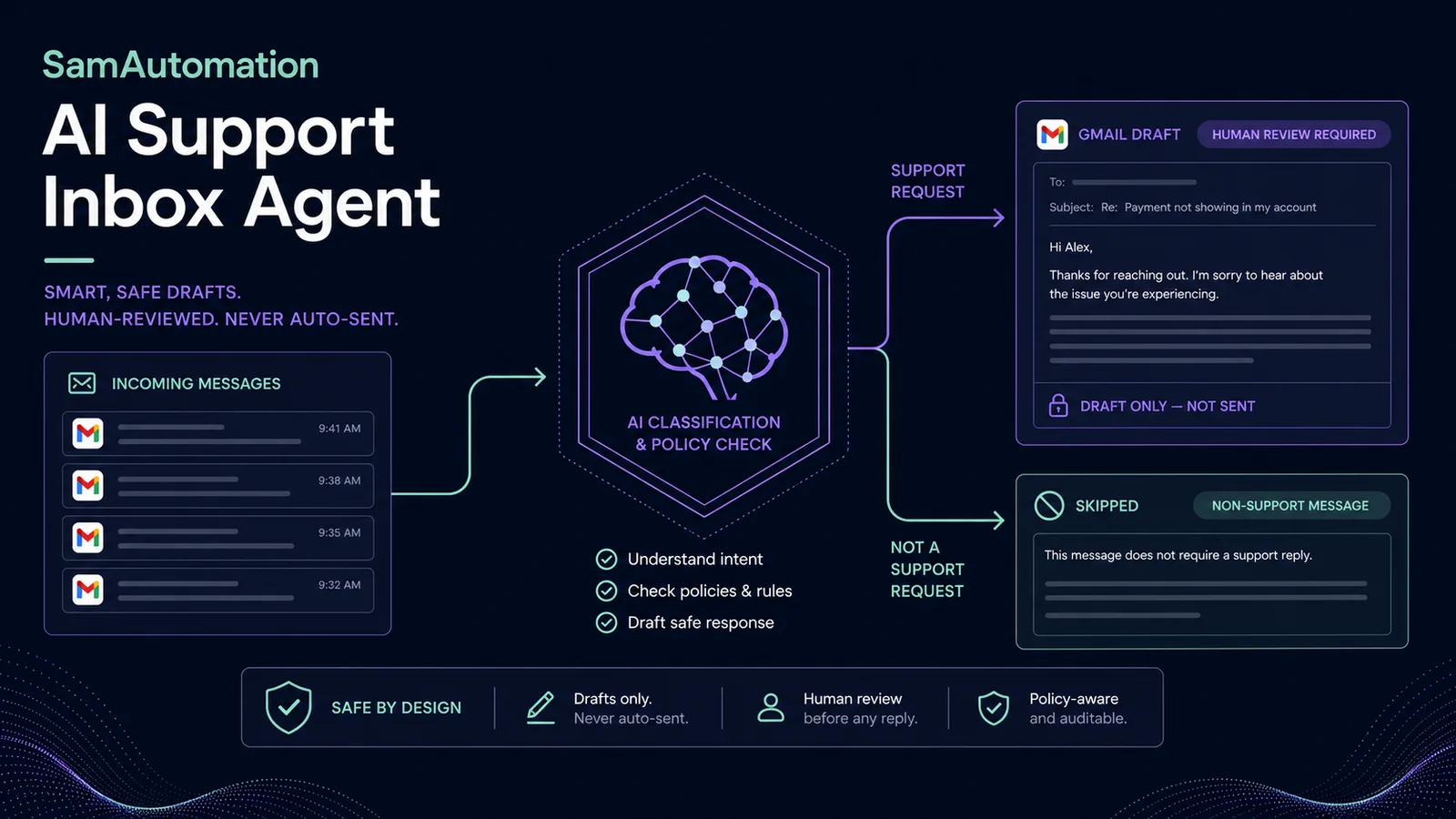
Triage new Gmail messages and prepare a support reply without allowing AI to send on its own. The 9-node workflow normalizes the email, returns structured classification and draft data, creates a Gmail draft only for support mail and records skipped or failed outcomes for review.
Import readiness
The downloadable n8n workflow file is attached to this template.
Required APIs, credentials and services are listed on this page.
Setup instructions are included below so you can estimate implementation time before buying.
Best when you want the same researched process to run consistently without rebuilding the node chain for every job.
1. Import the workflow JSON into n8n.
2. Add your Gmail credential to New Gmail message and Create Gmail draft. Use a test mailbox or a narrow label during setup.
3. Add your OpenAI credential to Classify and draft reply. Replace YOUR_SUPPORT_POLICY with concrete rules about refunds, delivery, privacy, account access and when no answer may be drafted.
4. Run the workflow with a support message, a newsletter and a message that requires escalation. Inspect classification, confidence, summary and draft text.
5. Confirm that support mail creates a draft in the original thread and non-support mail is skipped.
6. Check the failure outcome by temporarily using an invalid test setting, then restore it.
7. Activate the trigger only after the test label is clean. Review sender, facts, promises, tone and privacy before manually sending every draft. The workflow contains no automatic send step.