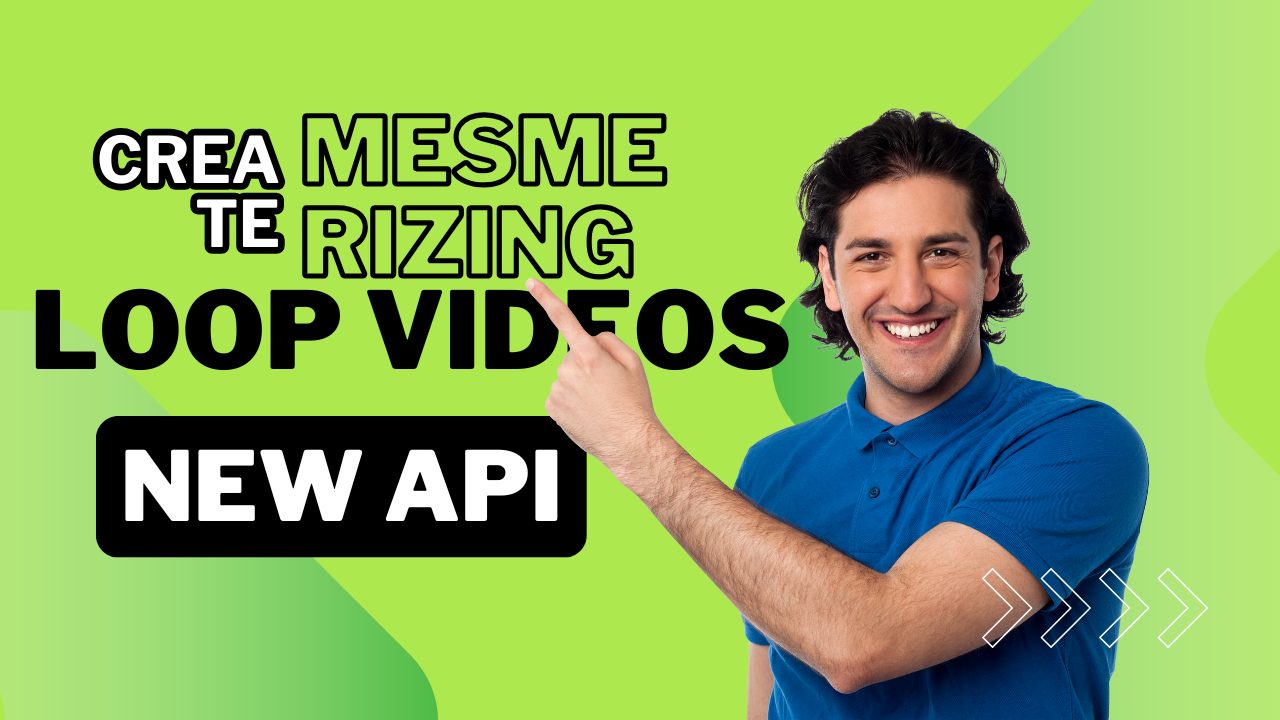
✨ Create Mesmerizing Loop Videos with Our New API!
Big news! We've just launched something amazing - an API that turns your media into captivating loop videos! 🎥
Mix videos, images, and music into hypnotic loops that will make your audience stop scrolling! Perfect for Instagram, TikTok, and more! 🚀
🎨 What Can You Create?
Transform your content into eye-catching loop videos that people can't help but watch again and again!
Product Showcases
Show your products from every angle in a seamless loop! ✨
Video Demo
Check out this looping video in action! 🎥
🎮 How to Create Your First Loop
Creating a loop video is super easy! Here's the magic spell:
The Magic Recipe:
{
    "type": "LoopVideo",
    "data": {
        "background_url": "music.mp3",
        "media_list": [
            "video1.mp4",
            "image1.jpg"
        ],
        "duration": 30,
        "settings": {
            "aspect_ratio": "9:16",
            "image_duration": 5.0,
            "loop_count": 2,
            "transition_duration": 0.8
        }
    }
}
Just mix your media, add some settings, and watch the magic happen! ✨
🎯 Cool Features You Get
What's in the Box?
- Mix videos and images together seamlessly! 🎬
- Add background music that perfectly loops! 🎵
- Choose from different aspect ratios (9:16, 16:9, 1:1)! 📱
- Control transition effects between media! ✨
- Set custom durations for everything! ⏱️
🚀 Quick Start Guide
Ready to create your first loop? Follow these simple steps:
- Gather your media files (videos, images, music)
- Upload them somewhere accessible via URL
- Copy our example code and customize it
- Send the request to our API
- Get back a perfectly looped video! 🎉
💡 Pro Tips for Amazing Loops
Perfect Timing ⏱️
Match your loop duration with your music's beat for extra impact!
Smooth Transitions 🌊
Use transition_duration: 0.8 for that butter-smooth feel!
Perfect Ratio 📱
Use 9:16 for Stories and Reels, 1:1 for feed posts!
🎓 Advanced Settings
Power User Features:
aspect_ratio: "9:16"
Perfect for Stories and Reels!
image_duration: 5.0
Control how long each image shows!
loop_count: 2
Set how many times your content repeats!
🌟 Example Use Cases
Social Media Content 📱
- • Instagram Reels
- • TikTok Videos
- • Twitter Loops
Business Uses 💼
- • Product Demos
- • Brand Stories
- • Digital Ads
🎬 Ready to Start?
Your audience is waiting for your amazing loop videos! Get started now and create content that truly stands out! 🚀
Questions? Need help? Our team is here for you! Check out our documentation or contact us anytime!
Questions people ask
What is a background loop video?
A short clip whose last frame flows back into its first, so it plays forever without a visible cut. Used behind hero sections, on screens and under text overlays.
How do you make a loop seamless?
Either generate the motion so it returns to its start, or cross-fade the tail into the head. The cross-fade is easier and shows on high-contrast motion, so keep the movement slow.
How long should a loop be?
Long enough not to feel repetitive, short enough to load: three to eight seconds covers almost every web use. Beyond that you are paying bandwidth for something nobody watches.
Can loops be generated in batch?
Yes — that is the point of an API. One prompt template plus a list of variations returns a set of loops in one run instead of one editing session each.
Related articles
Upgrade Your Videos with Instagram-Style Ending Screens! 🎬✨
Learn how to add professional Instagram-style ending screens to your videos with our enhanced Video…
Read more →
Create Cool Social Media Videos with our New Video Magic Box! ✨
Discover our new Video Magic Box that lets you create super cool videos for social media! With spec…
Read more →
Disable Caption on Rendering
Exciting news for kids and grown-ups! Now you can make the text in your videos disappear with our m…
Read more →Build your first automated video
One API key for deterministic JSON-to-video plus AI video & image generation. Documented and ready for your pipeline.