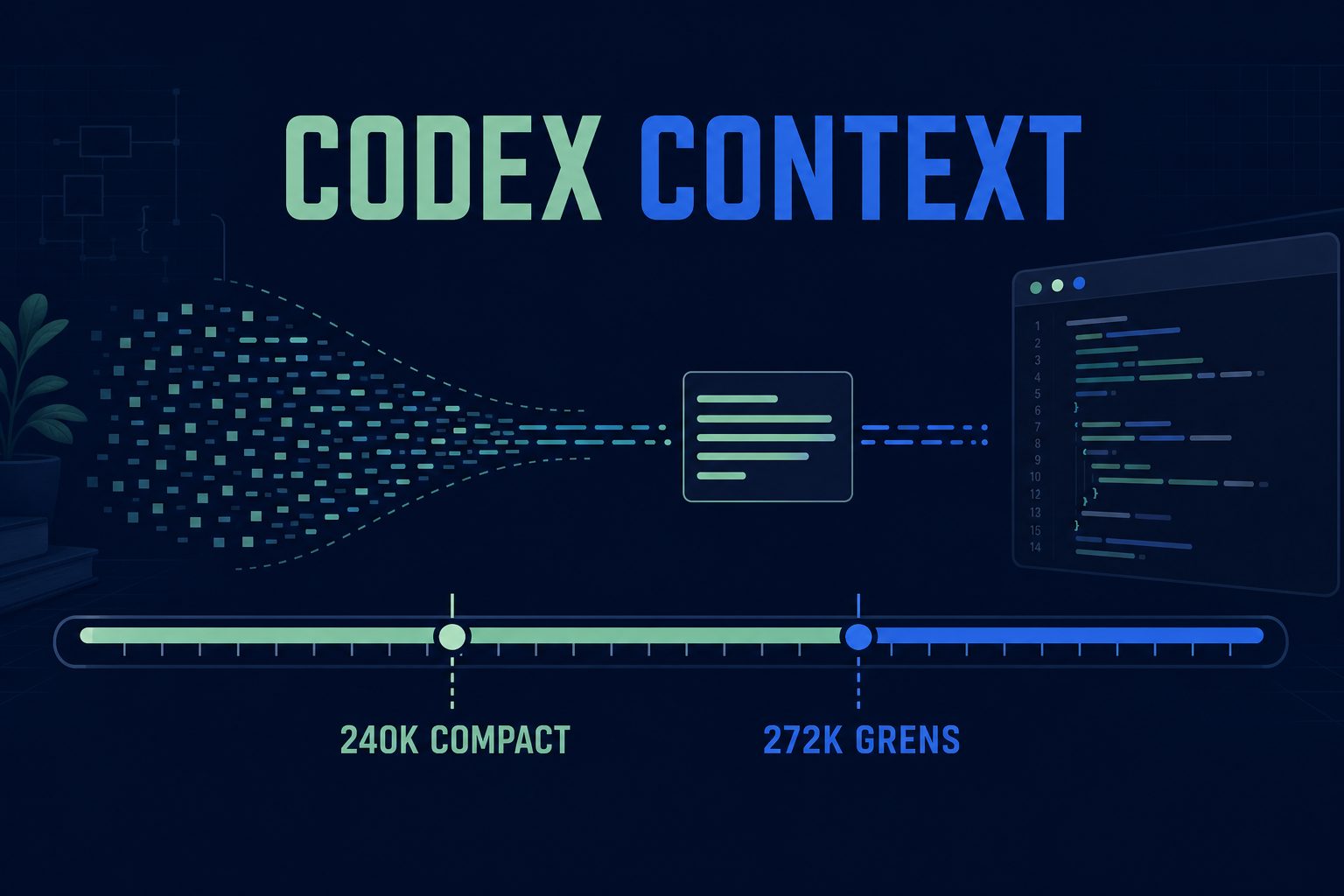
Set Codex to compact long sessions around 240,000 tokens before they cross GPT-5.6 Sol's 272,000-token pricing boundary.
model_context_window = 272000
model_auto_compact_token_limit = 240000
Add both lines to ~/.codex/config.toml and restart Codex. The 240K value is a practical buffer, not an official OpenAI recommendation or a guarantee about the final request size.
The cost boundary applies to the whole request
GPT-5.6 Sol costs $5 per million input tokens, $0.50 per million cached input tokens, and $30 per million output tokens at standard API rates. OpenAI states that prompts above 272K input tokens cost twice the input rate and 1.5 times the output rate for the full request.
| GPT-5.6 Sol | Short context | More than 272K input |
|---|---|---|
| Input | $5 / 1M | $10 / 1M |
| Cached input | $0.50 / 1M | $1 / 1M |
| Output | $30 / 1M | $45 / 1M |
A request with 280K input tokens does not pay the higher rate for only its last 8K tokens. The entire request enters the long-context price tier.
Why automation builds accumulate context
API and workflow projects tend to carry OpenAPI excerpts, payload examples, logs, schema revisions, test output, and deployment notes in one conversation. That history can be useful, but it is expensive when every new turn reuses a huge active context.
- Keep stable requirements in repository files instead of repeating them in chat.
- Trim logs to the failing request, response, and stack trace.
- Give subagents only the files their task needs.
- Start a fresh task when research turns into implementation.
- Store acceptance checks in an issue so compaction cannot erase them.
Compaction has a quality cost
Automatic compaction summarizes earlier history. It may omit an old constraint or exact error message. Keep critical details in versioned files and run a small verification after compaction: ask Codex to state the active goal, files in scope, stop rules, and command that proves completion.
Short tasks will not become cheaper because of these settings. Compaction also consumes tokens. The benefit appears in long-running sessions that would otherwise cross the pricing boundary.
API pricing is not a Codex subscription invoice
The dollar rates above are OpenAI API prices. Codex plans may use credits or account-specific limits. Reducing active context can still reduce usage, but do not convert API token prices directly into a promised subscription saving.
Budget agents by branch, not by enthusiasm
GPT-5.6 Sol can keep working for a long time. That helps when the acceptance test is clear. It wastes credits when “finish the automation” quietly expands into research, implementation, deployment, and another review cycle.
Start ordinary repository work on medium or high effort. Treat Fast and Ultra as separate cost decisions. OpenAI describes Ultra as a four-agent mode that trades higher token use for faster or stronger results on demanding parallel work. One shared workflow rarely needs four copies of the same context.
Put the stop point in the task
Inspect the failed API run and list at most three plausible causes.
Do not edit files or deploy anything.
Stop after the diagnosis plan and wait for feedback.
After approval, use a second task:
Implement the agreed fix in the API adapter and its tests.
Do not spawn subagents and do not deploy.
Stop when the focused tests pass or after two distinct fixes hit the same blocker.
This boundary keeps a planning turn from spending its way into production. If a task really has independent branches, name them and cap the agent count. Give each subagent only its files, one deliverable, and one check.
Check Fast against the current docs
Fast increases speed and credit consumption for supported models. On 12 July 2026, the official Speed page lists GPT-5.5 at 2.5 times the Standard credit rate and GPT-5.4 at 2 times. It does not list GPT-5.6 yet. Use /fast status instead of applying a social-post multiplier to Sol.
Sources checked 12 July 2026: OpenAI's GPT-5.6 launch page, the Codex Speed documentation, and the Codex rate card.
Sources
OpenAI documents the two Codex keys in its configuration reference. The GPT-5.6 Sol model page lists the context window, standard prices, caching rates, and long-context multiplier. For production automation, pair this with a measured resilience and BYOK plan rather than treating model context as your only cost control.
The 1M model window and the smaller Codex window
GPT-5.6 Sol, Terra, and Luna have a published API context window of 1,050,000 tokens. That does not mean every Codex session can use the full window. Codex may apply a smaller product-specific limit, reserve space for output, and compact the conversation before the underlying model limit is reached.
Check the active session instead of assuming that “GPT 5.6 context window 1M” describes your usable Codex context. The value reported as model_context_window is more useful for that session than the API specification alone.
What model_context_window controls
model_context_window tells Codex how much context it should treat as available. model_auto_compact_token_limit sets the point at which Codex should summarize older conversation history. These settings affect context management. They do not enlarge the model endpoint or override a server-side maximum.
A configuration such as model_context_window = 272000 with model_auto_compact_token_limit = 240000 leaves room before the configured ceiling. Treat those values as an operator choice, not a universal GPT-5.6 Sol specification. Inspect the current Codex status after an update because model metadata and limits can change.
If your automation produces large payloads before Codex sees them, reduce that input first. The JSON-to-video workflow guide shows how to keep render instructions structured without carrying unrelated logs and assets into every step.
GPT-5.5 long context in Codex
The GPT-5.5 API model also has a published 1,050,000-token context window. Codex GPT-5.5 may still expose a smaller active or maximum window. This is why searches for “Codex GPT-5.5 1M context” produce conflicting answers: one answer describes the API model, while another describes a particular Codex catalog or session.
Setting model_context_window to one million does not prove Codex will accept it. Codex can clamp the value to the maximum supplied by its model catalog. Confirm the resolved window in the running session and test compaction before relying on it for a long unattended task.
Context size is not retained understanding
A larger window lets the model receive more tokens, but it does not make every old detail equally important. Repeated logs, generated files, tool output, and earlier drafts can bury the instruction that actually matters. Compaction can also lose an exact command or constraint when it summarizes older turns.
- Keep stable requirements in repository files.
- Pass only the failing log section.
- Start a new thread when research turns into implementation.
- Store acceptance checks outside the conversation.
- Recheck the active goal after compaction.
For repeatable workflow handoffs, the n8n setup guide explains how to move durable steps into the automation instead of keeping them in a growing chat history.
Access, restrictions, and model choice
| Question | Practical answer |
| How to access GPT-5.6 Sol | Use an eligible paid ChatGPT plan in Codex or call the model through an API account with access. Availability can also depend on workspace settings and rollout state. |
| Is GPT-5.6 free? | GPT-5.6 is a model family, not one free entitlement. Free access may use another family member, while Sol can require an eligible paid plan. API use is billed separately. |
| Why is GPT-5.6 restricted? | A missing model can come from plan eligibility, workspace controls, rollout state, region, rate limits, or safety checks. Check the current account and product documentation before troubleshooting the model itself. |
| Is GPT-5.6 Sol good? | It is the quality-first GPT-5.6 tier for difficult work. Luna is usually the better fit when speed and lower usage matter more than maximum capability. |
Model choice matters more than maximum context for many jobs. Compare the available options on the AI video models overview before sending a large production workflow to the most capable tier by default.
Reading GitHub reports without copying stale settings
Searches for “GPT 5.6 Sol model_context_window GitHub” often lead to Codex issues that show different limits from different releases. Those reports are useful evidence of observed behavior, but they are not permanent configuration documentation. Note the Codex version, authentication method, model catalog values, and date before copying a workaround.
Use the smallest safe test: start a fresh session, inspect its reported context window, add a temporary compaction threshold, and confirm that compaction happens before the resolved ceiling. Remove the override if Codex already supplies a suitable default. A stale manual value can become the problem after a model update.
Questions people ask
What is the GPT-5.6 context window size?
The published API context window for GPT-5.6 Sol, Terra, and Luna is 1,050,000 tokens. A Codex session may expose a smaller usable window, so inspect its reported model_context_window.
Does GPT-5.6 Sol use a 1M context window in Codex?
Not necessarily. The model supports a 1M-class API window, but Codex can apply its own catalog limit, output reserve, and compaction threshold.
What is the GPT-5.6 Luna context window?
GPT-5.6 Luna has a published API context window of 1,050,000 tokens. Its active window in Codex can differ from that API limit.
Can Codex use a 1M context window?
Only when the selected model, provider, and Codex model catalog allow it. Raising model_context_window cannot bypass a lower server-side or catalog maximum.
What is the Codex GPT-5.5 context window size?
The GPT-5.5 API model publishes a 1,050,000-token window. Codex GPT-5.5 may resolve to a smaller window, so use the current session metadata as the operational limit.
Does Codex GPT-5.5 use the 1M context window?
Do not assume it does. Some Codex configurations clamp GPT-5.5 below the model's API capacity, even when you request a larger model_context_window.
How do I access GPT-5.6 Sol?
Select Sol in a current Codex client while signed in with an eligible paid plan, or use an API account that has model access. Managed workspace settings can hide the model even when the underlying plan supports it.
Is GPT-5.6 Sol good for coding?
It is the quality-first GPT-5.6 tier and suits difficult coding, research, and long-running agent work. Use Terra or Luna when the task is routine and speed or lower usage matters more.
Is GPT-5.6 free?
There is no single free rule for the whole GPT-5.6 family. Free plans may receive a different GPT-5.6 tier, while Sol requires eligible access; API usage is billed separately and rates can change.
Why is GPT-5.6 Sol restricted on my account?
Common causes include plan eligibility, gradual rollout, workspace controls, region, rate limits, and safety checks. Confirm the product, account, client version, and workspace policy before changing local configuration.
Why does GitHub show different GPT-5.6 Sol model_context_window values?
GitHub issues capture specific Codex versions and server-delivered model catalogs. Treat them as dated observations, then verify the resolved window in your own current session.
What does model_auto_compact_token_limit do?
It tells Codex when to summarize older context before the active window fills. Set it below the resolved context ceiling and leave enough room for new input, tool output, reasoning, and the final response.
Is GPT-5.6 free?
No. Access runs through paid plans or the API, and long-context work is where the bill grows fastest because you re-send most of the context every turn.
Build your first automated video
One API key for deterministic JSON-to-video plus AI video & image generation. Documented and ready for your pipeline.